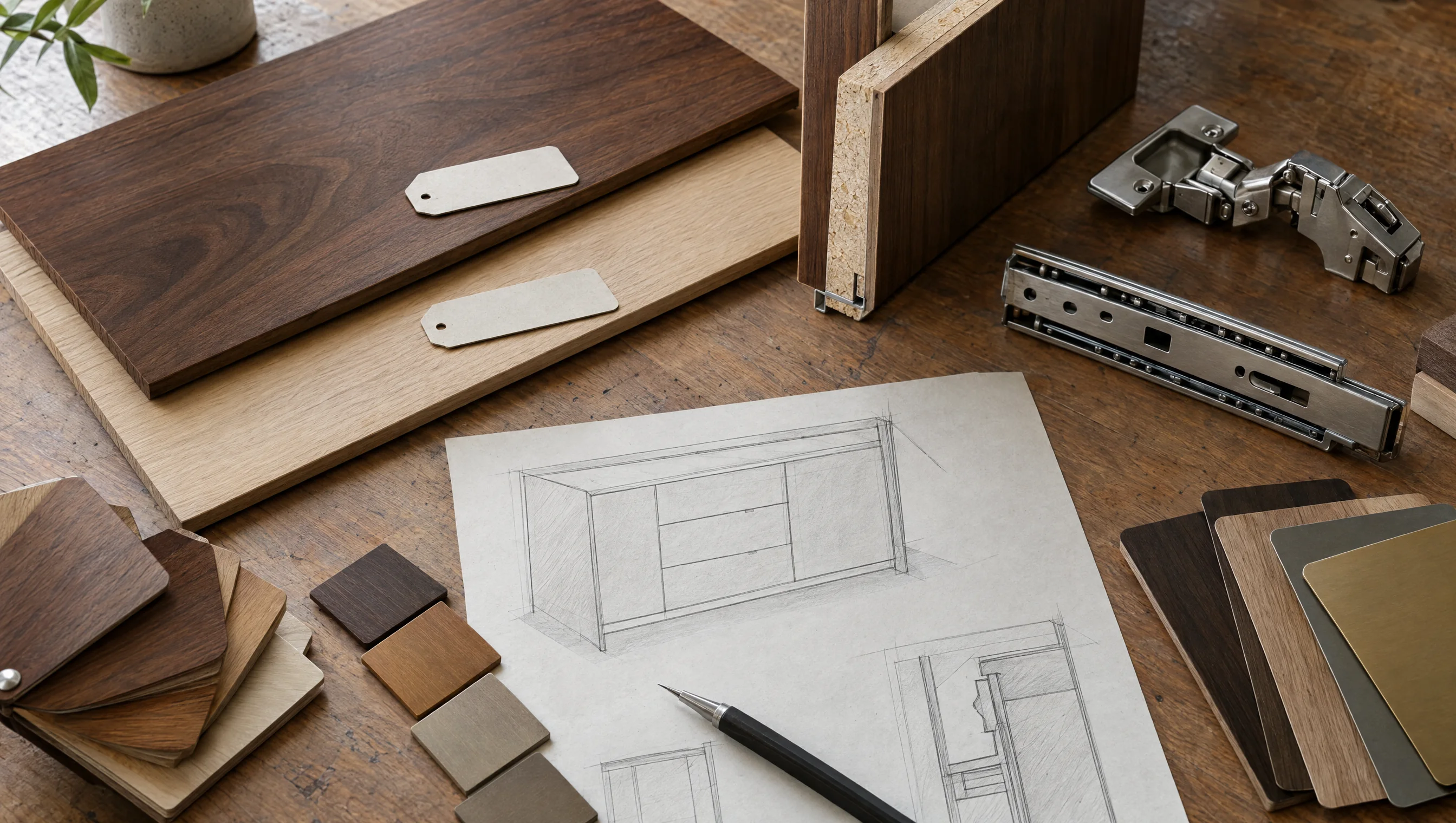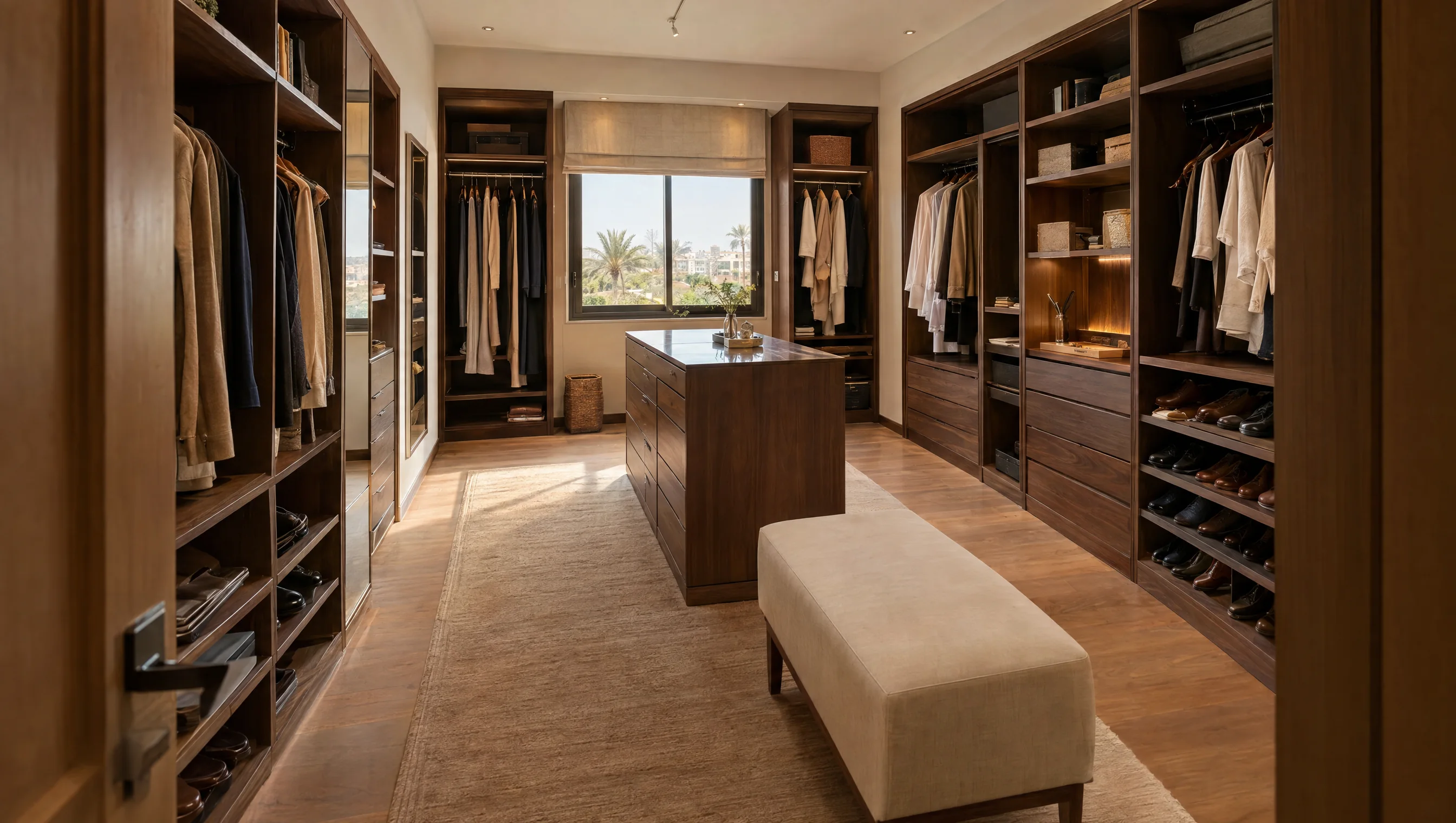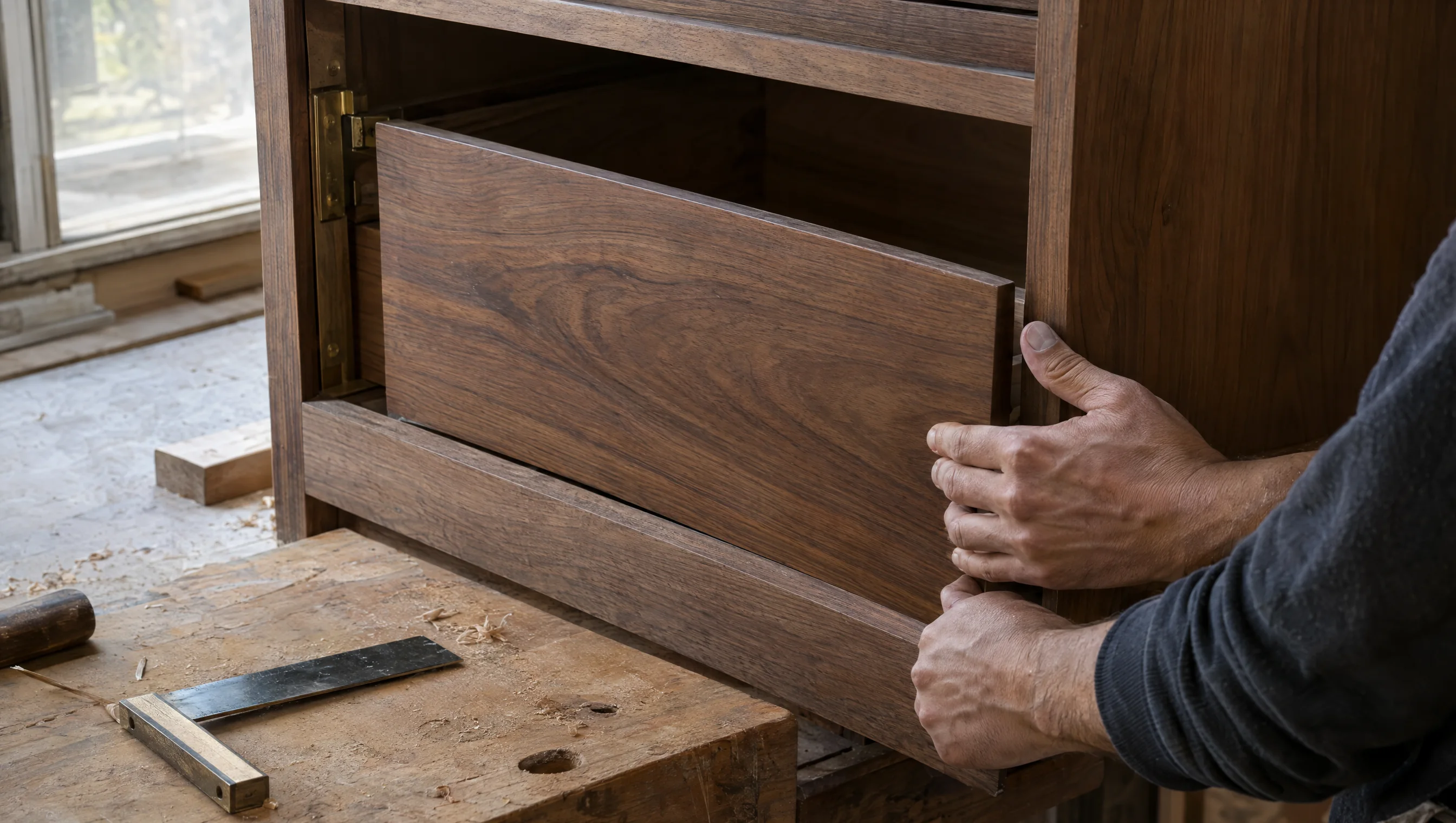
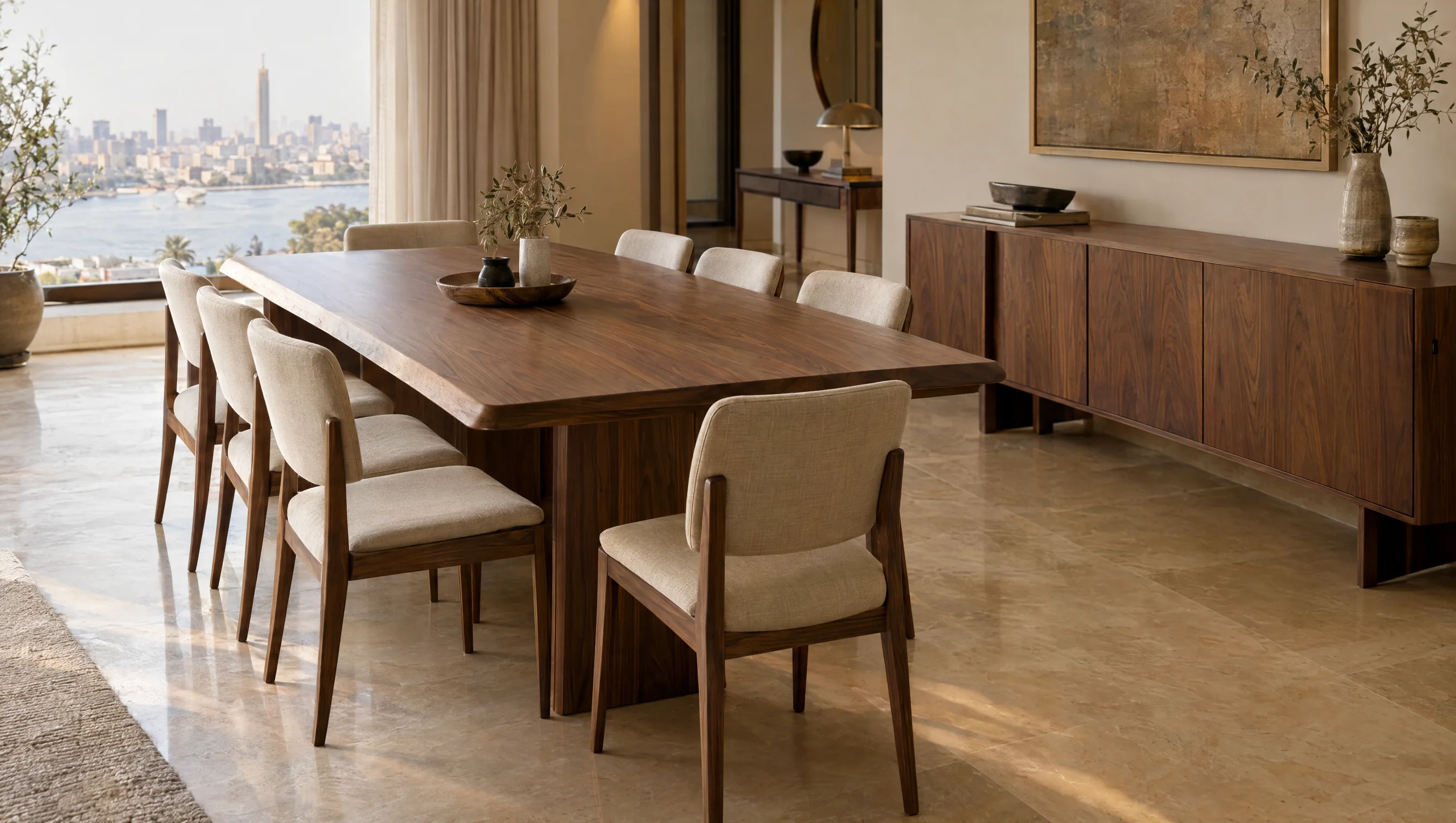
Design around the working setup
List equipment and paperwork before choosing top depth. Draw the chair and check knee room and drawer openings, together with monitor and charging positions. Long or wall-mounted tops need support appropriate to the material and expected loads; appearance alone does not establish a stable workstation.
Compare the design options
Use these options to discuss the configuration that fits the room and its intended use. Review dimensions and details against the actual material and hardware selected in the drawing.
Made-to-measure home office desks — decision worksheet
Scroll horizontally to see all columns.
| Option | When to consider it | What to check |
|---|---|---|
| Freestanding desk | A unit that can be relocated. | Legs, support and cable routing. |
| Top between storage units | A desk combined with drawers or shelving. | Seated clearance and support connections. |
| Corner workstation | A setup using two walls. | Reach to the corner and chair movement. |
Details to send before quotation
Include clear site photos and any available drawings, then clarify the points below. This makes the quotation scope easier to review and helps identify changes before production approval.
- Provide computer, monitor and printer dimensions.
- Locate the chair and circulation behind it.
- Specify sockets, data points and cable routes.
- Describe the documents and items needing storage.
Installation and handover checks
Sit with equipment in place and open the drawers. Check top stability, uncompressed cables and access for cleaning and connections without dismantling storage.
| Item | What to clarify |
|---|---|
| Project file | Location, floor, site photos and dimensioned drawings with a revision date. |
| Quotation scope | Identify manufacture, delivery, lifting, installation and work requiring another contractor. |
| Approval | Agree the finish sample, production drawing and item schedule; record changes to price or timing. |
Common questions
Will a desk depth copied from an image suit any monitor?
Not necessarily. Review the monitor stand, equipment, working space and seating before setting depth for the actual setup.